
Model Market
The model marketplace is used for downloading and importing models. Here you can download the models you need, and you can also import local llms and cloud llms. 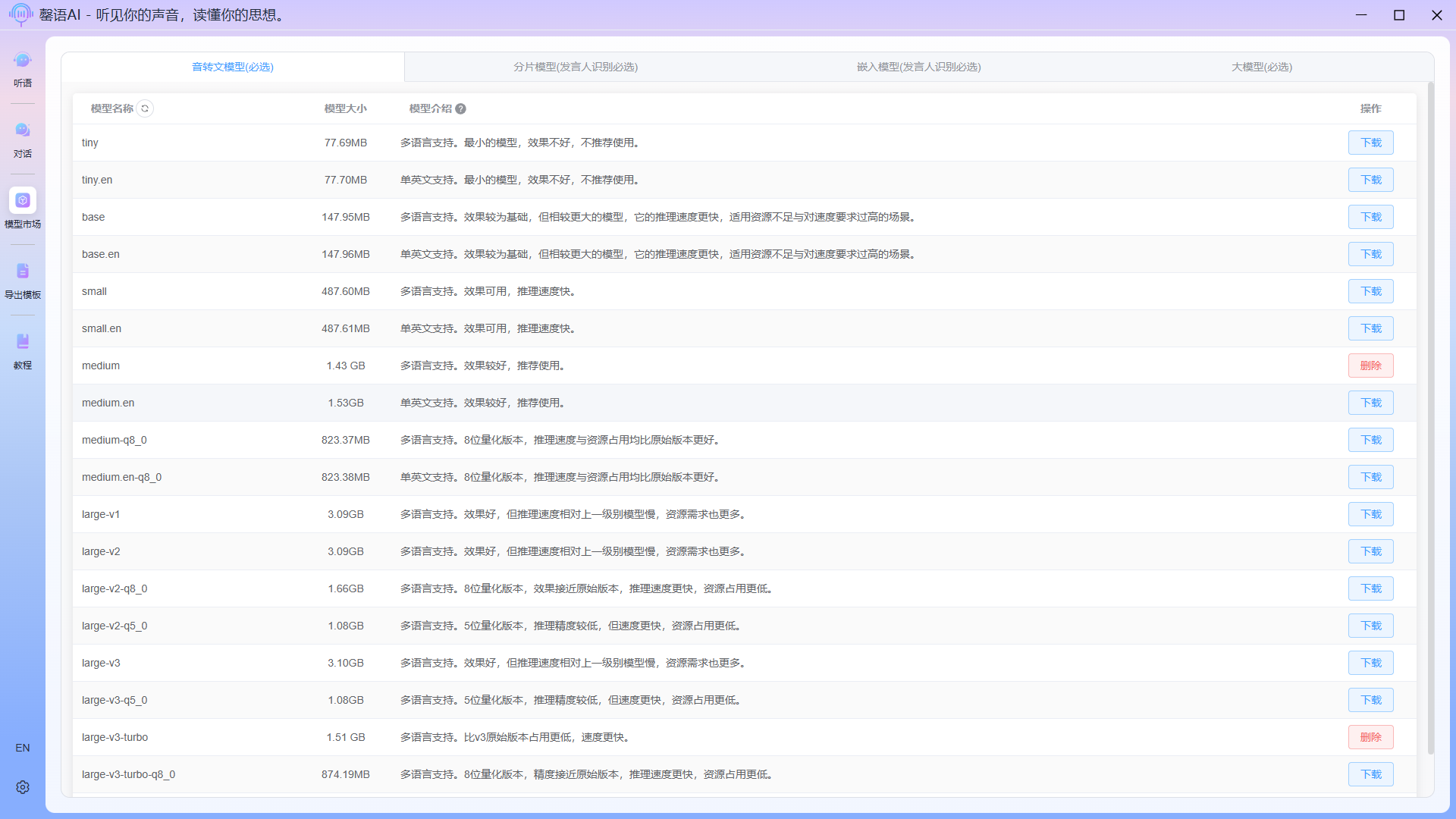
Importing external models
This section will introduce how to import external llms.
Importing external local models
This method is designed for importing models not provided within the application. Imported models should be llms in .gguf format; other formats are not supported. Click the Import External Model button on the llm page to begin the import process. 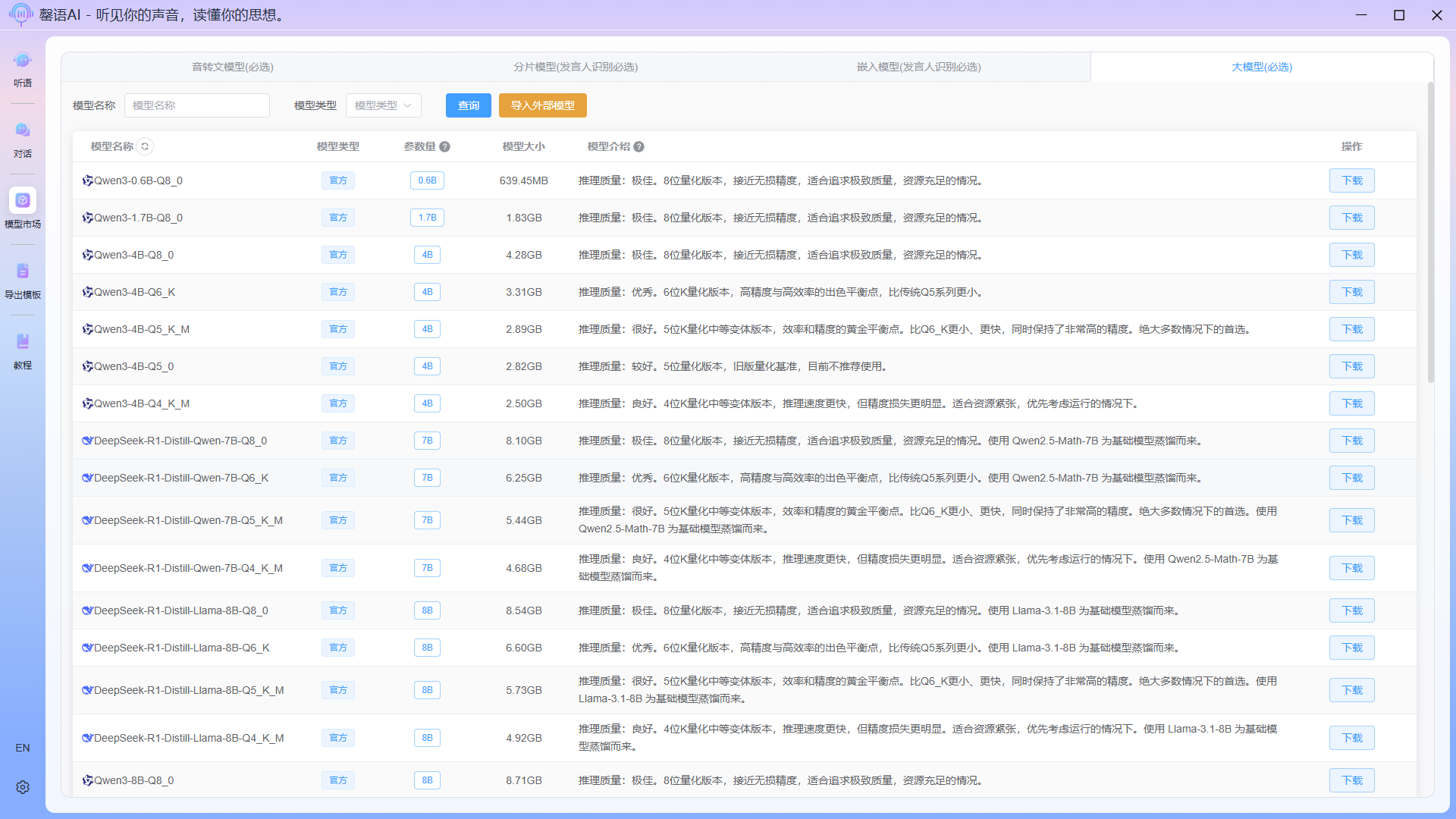
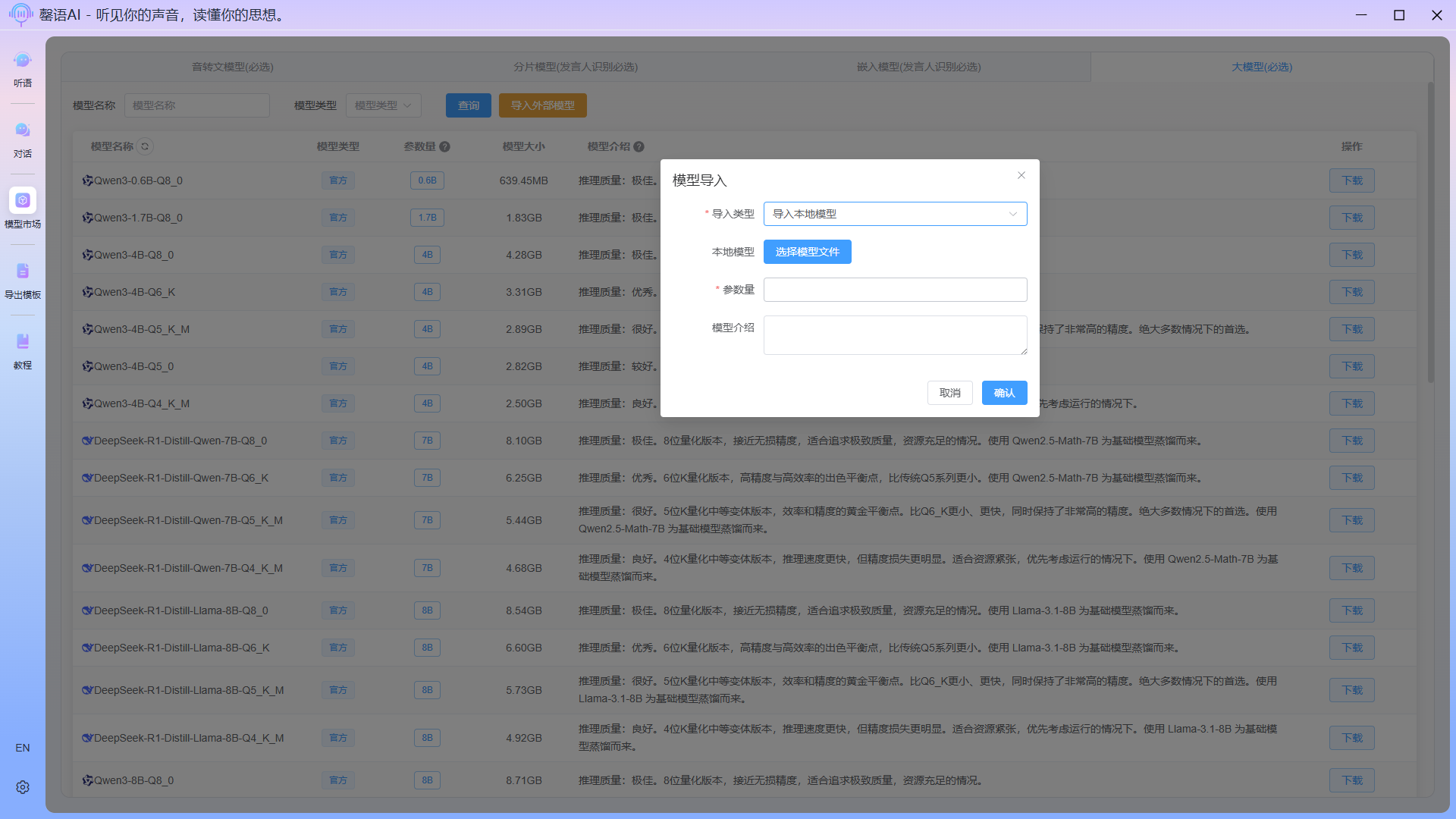
Select Import Local Model as the import type, then click the Select Model File button to choose the corresponding .gguf model file on your device. After filling in the parameters and model description, click Confirm to import.
Import external cloud models
This method allows for the import of more powerful models, but only supports API interfaces like OpenAI. Here, you only need to fill in the model name and parameters on the cloud. The API interface address and apiKey are entered in the system settings(See: System Settings - LLM Settings). 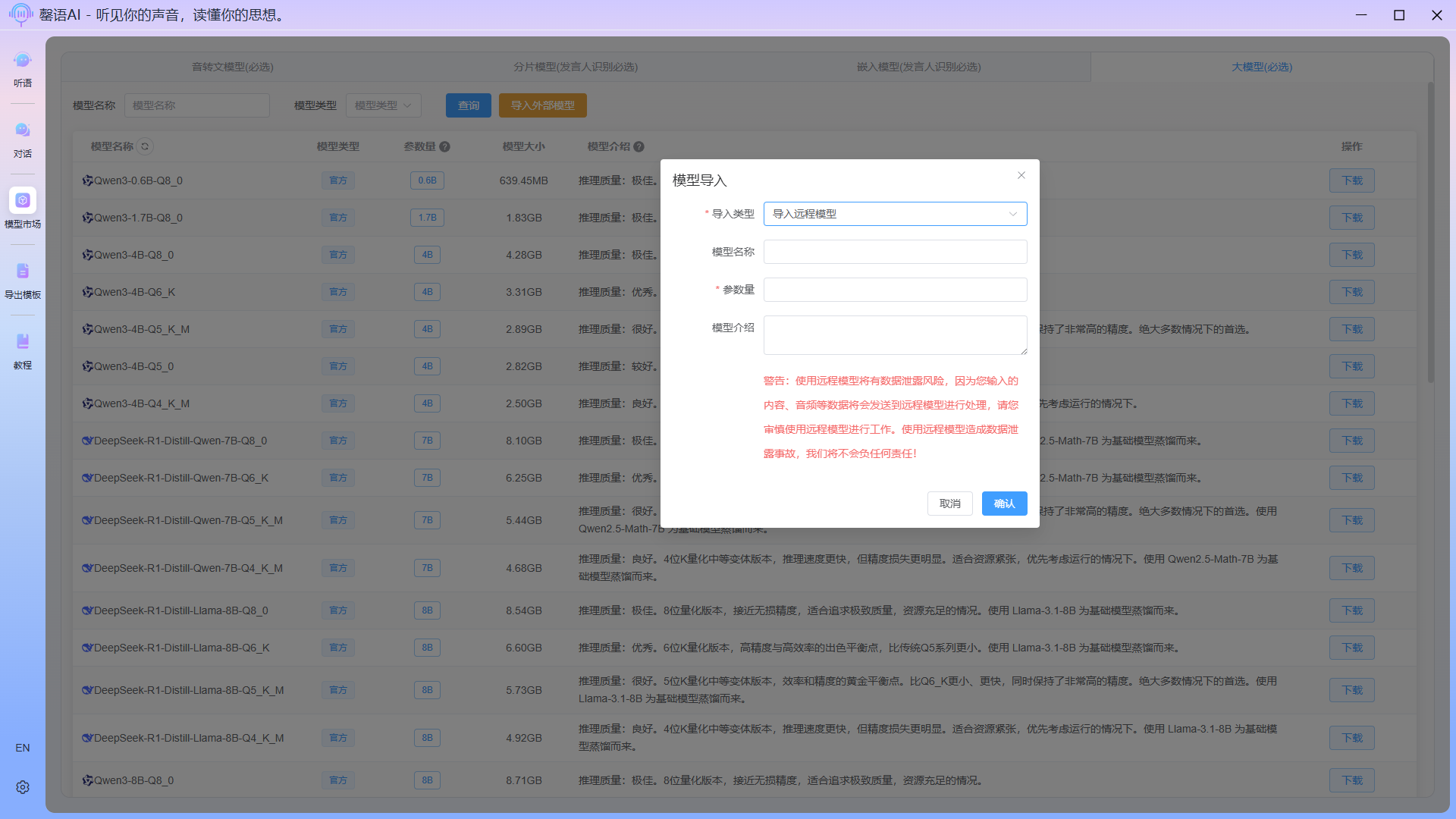
DANGER
Importing external models is only available with the Professional Edition license; the Trial Edition does not have this feature. The Professional Edition can be purchased and activated in System Settings - License.